How to Start Coding in 2026: A Complete Beginner's Guide
If you've ever thought "I want to learn coding, but I don't know where to start," you're not alone. Every professional developer once stared at a blank screen wondering what a "variable" even was. The good news? Coding is one of the most learnable skills out there. You don't need a computer science degree, a fancy laptop, or years of preparation. You just need a clear starting point and a bit of patience.
This guide breaks down exactly how to begin, in plain language, with no jargon left unexplained.
Why Learn to Code in the First Place?
Before diving into "how," it helps to be clear on "why," because that answer will shape which path you take.
- Career growth: Software roles remain some of the highest-paying and most in-demand jobs across industries, not just in tech companies.
- Problem-solving skills: Coding teaches you to break big problems into small, manageable steps, a skill that transfers to almost every field.
- Building your own ideas: Whether it's an app, a website, or a tool to automate boring tasks, coding turns your ideas into something real.
- Flexibility: Many coding careers offer remote work, freelancing, and project-based opportunities.
Knowing your "why" will help you stay motivated on days when a piece of code just won't run (and trust us, there will be many of those days; that's normal, not a sign you're bad at this).
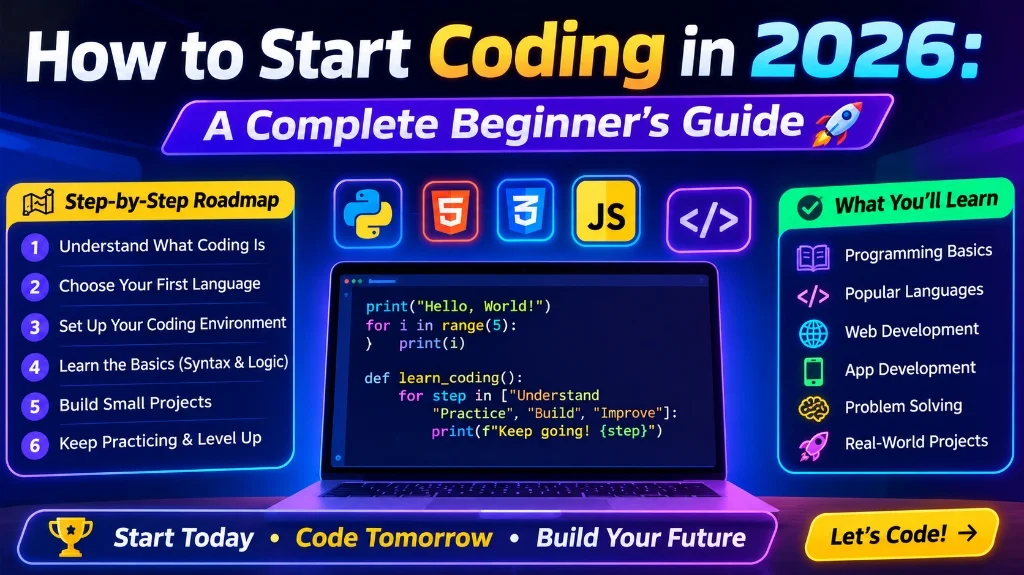
Step 1: Pick Your First Programming Language
One of the biggest early roadblocks is decision paralysis. There are dozens of programming languages, and every online forum seems to have a different opinion on which one is "best." Here's a simpler way to think about it: pick based on what you want to build.
| Goal | Recommended First Language |
|---|---|
| Websites and web apps | HTML, CSS, then JavaScript |
| Data analysis, AI, automation | Python |
| Mobile apps | Kotlin (Android) or Swift (iOS) |
| Games | C# (with Unity) |
| General-purpose, beginner-friendly | Python |
If you're unsure, Python is widely recommended for beginners. Its syntax reads almost like plain English, which means less time fighting confusing symbols and more time understanding actual programming logic.
Step 2: Understand the Core Concepts (Not Just Syntax)
A common mistake beginners make is memorizing syntax without understanding the underlying logic. Every programming language, no matter how different they look, is built on the same handful of core ideas:
- Variables: containers that store information (like a name, a number, or a list).
- Data types: the different kinds of information a variable can hold (text, numbers, true/false values, etc.).
- Conditionals: logic that lets your program make decisions ("if this happens, do that").
- Loops: instructions that repeat an action until a condition is met.
- Functions: reusable blocks of code that perform a specific task.
- Data structures: ways of organizing data, like lists, arrays, and dictionaries.
Once these concepts click in one language, learning a second or third language becomes dramatically easier, because you're just learning new syntax for ideas you already understand.
Step 3: Set Up Your Coding Environment
You don't need expensive software to start. Here's a simple beginner setup:
- A code editor: Visual Studio Code (VS Code) is free, beginner-friendly, and used by professionals too.
- A way to run your code: For Python, install Python from the official website. For web development, your browser is enough to start.
- An online alternative: If you don't want to install anything yet, browser-based tools like Replit or Google Colab let you write and run code instantly.
Don't overthink this step. Many beginners spend weeks researching "the perfect setup" instead of writing their first line of code. Pick a simple option and start.
Step 4: Learn by Building, Not Just Watching
Watching tutorials feels productive, but it's easy to fall into "tutorial hell," where you understand everything on screen but freeze the moment you try coding on your own. The fix is to build small, real projects as early as possible.
Here are beginner-friendly project ideas that reinforce core concepts:
- A simple calculator
- A to-do list app
- A number-guessing game
- A basic personal portfolio website
- A tool that renames files in a folder automatically
Start small, get something working (even if it's ugly), and improve it later. Real learning happens when you get stuck and have to figure out why your code isn't working.
Step 5: Get Comfortable with Debugging
Bugs (errors in your code) are not a sign of failure. They're a normal, constant part of coding, even for senior engineers. Learning how to debug effectively is just as important as learning to write code.
A few practical habits:
- Read the error message carefully before searching for a solution. It often tells you exactly what went wrong.
- Break your code into smaller pieces and test each part separately.
- Use
print()statements (or your language's equivalent) to check what your program is actually doing at each step. - Search error messages online. Chances are, someone else has faced the exact same issue.
Step 6: Learn Version Control (Git and GitHub)
Once you're comfortable writing basic programs, learn the basics of Git, a tool that tracks changes in your code, and GitHub, a platform to store and share your projects online. This might feel like an "extra" skill for beginners, but it's expected in almost every real-world coding environment, including internships and entry-level jobs. Starting early means it won't feel unfamiliar later.
Step 7: Join a Community
Learning alone is harder than it needs to be. Join spaces where you can ask questions, share progress, and see how others solve problems:
- Online forums and Q&A communities
- Local or online coding meetups
- Beginner-friendly Discord servers focused on programming
- Study groups with friends learning the same language
Seeing that other beginners struggle with the same concepts is often more motivating than any tutorial.
A Realistic Beginner Roadmap
If you're wondering how to structure your first few months, here's a simple, non-overwhelming plan:
- Weeks 1 to 2: Learn variables, data types, conditionals, and loops in your chosen language.
- Weeks 3 to 4: Learn functions and basic data structures (lists/arrays).
- Weeks 5 to 6: Build 2 to 3 small beginner projects using what you've learned.
- Weeks 7 to 8: Learn Git/GitHub basics and upload your projects.
- Ongoing: Keep building slightly bigger projects, and revisit concepts you found confusing.
Common Beginner Mistakes to Avoid
- Jumping between languages too often: Pick one and stick with it until you're comfortable with the basics.
- Only watching tutorials without practicing: Typing code yourself builds muscle memory that watching never will.
- Trying to memorize everything: Understanding concepts matters more than memorizing syntax; you can always look up exact syntax later.
- Comparing your progress to others: Everyone learns at a different pace, and comparing yourself to people further along only adds unnecessary pressure.
Frequently Asked Questions
Do I need a computer science degree to become a coder?
No. Many successful developers are self-taught or came from bootcamps and online courses. What matters most to employers and clients is your ability to build things and solve problems, which you can demonstrate through projects.
How long does it take to learn coding?
You can learn the basics of a language in 1 to 2 months of consistent practice. Becoming job-ready typically takes 6 months to a year, depending on the field and how much time you dedicate.
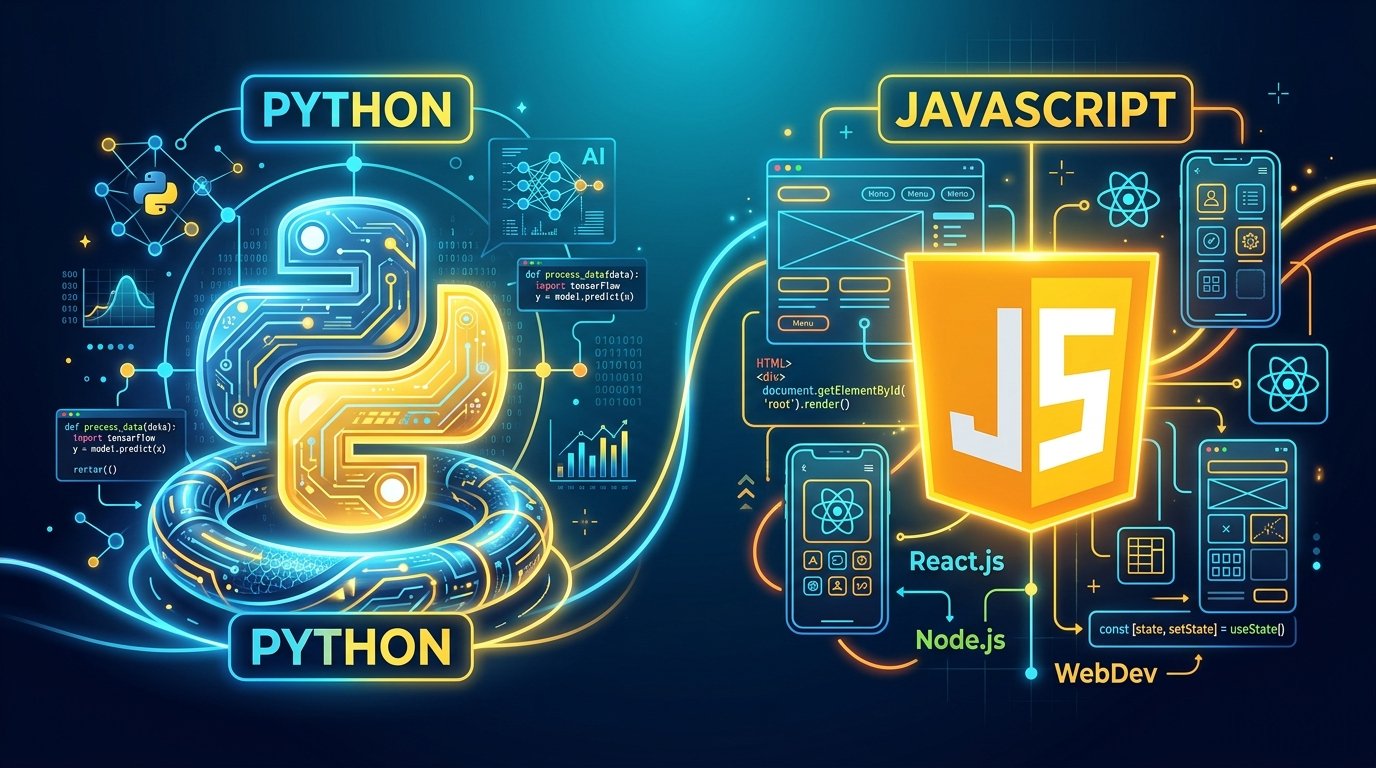
Is Python or JavaScript better for beginners?
Python is generally considered easier to read and learn first, especially if you're interested in data, automation, or general programming logic. JavaScript is the better choice if your main goal is building interactive websites.
Can I learn coding for free?
Yes. There are extensive free resources, including official documentation, free coding platforms, and community tutorials, that can take you from complete beginner to building real projects without spending money.
Final Thoughts
Learning to code isn't about talent. It's about consistent, hands-on practice and a willingness to sit with confusion until it turns into understanding. Start with one language, focus on core concepts over memorization, build real (even if small) projects, and don't be afraid of bugs. They're part of the process, not a detour from it.
The best time to start was yesterday. The second-best time is right now, so open a code editor and write your first line of code today.